Best Business Strategies
Need Help?☎️ 304-233-2612
Skip to content

  • Features included in your Sage 50 Accounting Subscription:
  • Desktop software with cloud connect capabilities.
    Your software includes Sage Drive for one remote user. More remote users may be purchased at an additional cost for Sage 50 Premium & Quantum software.
  • Fraud Protection w/Sage Security Shield
    Security Shield is an industry-first security suite that empowers small and medium-sized businesses to quickly take control of their business identity protection. It’s the only product in the market to offer both award-winning cyber threat protection and internal fraud security—and it’s included at no additional cost with your Sage 50 subscription.
  • Accounts Payable, Accounts Receivable, Inventory, General Ledger and Jobs Modules.
  • Free Sage University Sage 50 learning package. The package consists of forty-seven videos. You will learn how to establish the core accounting modules for your company, general ledger and banking, accounts payable, and accounts receivable.
  • Sage 50 Business Care
  • Sage 50 Business Care includes:
  • Annual auto renewal (REQUIRED)
    Minimum one year commitment required. To ensure continuous service, your Sage Business Care plan is an automatically renewing plan. Valid credit card and internet access required to activate and maintain support and services.You may terminate your plan with at least 30 days notice to Sage prior to your renewal date and not be charged for the renewal.
  • Automatic updates and enhancements
  • Unlimited access to North America-based phone support
  • Unlimited online chat support
  • Payroll Add-on Available
    Additional Cost
  • Aatrix Payroll Tax Add-on Available
    Additional Cost
  • Sage Payment Add-on Available
    Additional Cost

About Annual Subscriptions

  • ●A minimum one-year commitment is required.
  • ●Your Sage Business Care plan automatically renews to ensure continuous service.
  • ●Valid credit card and internet access are required to activate and maintain support and services.
  • ●You can terminate your plan with at least 30 days’ notice to Sage before your renewal date and not be charged for the renewal.
  • ●Renewal is required to use the software.

Although (BBS) sold you your initial subscription, and I am your reseller of record, please be advised that all future Auto Renewals are managed by Sage directly.

System Requirements

Sage 50 Accounting 2026 US Edition System Requirements
11-10-25

Recommended System Configuration

  • Windows 11 (24H2 and higher)
  • 2.4 GHz processor (8th Generation and higher Intel® Core™ i3 and higher or AMD Ryzen™ 3 and higher) for single user and multiple users.
  • 8 GB of RAM for single user and 16 GB and higher for multiple users.
  • Hard-wired high speed internet connection on any machine using Remote Data Access or accessing connected features

Minimum System Requirements

  • 2.0 GHz processor for single user and multiple users
  • 8 GB of RAM for single user and multiple users
  • Windows 10 (version 21H1 and higher) or Windows 11 (23H2 or higher) with the latest updates from Microsoft installed
  • 1 GB of disk space for installation
  • Microsoft Edge is required with Sage Payroll Solutions, Sage Payments Solutions and other Connected Services integration; Google Chrome™ browser and Microsoft Edge (version 2023 and higher) web browsers are supported when accessing available Connected Services outside of the product
  • Microsoft®.NET Framework 4.8; requires an additional 280 MB to 850 MB
  • At least high-color (16-bit) SVGA video; Minimum Resolution: 1280×800, Preferred Resolution: 1440X900 or higher; small fonts/DPI settings required
  • All online features/services require Internet access (For best performance download speeds of at least 25mbps and upload speeds of at least 10mbps)
  • Maximum of 5GB file size for Sage Remote Data Access companies
  • Computer name of 15 characters or less required

Integration/Compatibility Requirements

  • Excel®, Outlook®, and Word integration requires desktop installations of Microsoft Excel, Outlook, and Word (64-bit versions) 2016, 2019, and 2021
  • Microsoft 365 Integration – Requires Microsoft 365 Business Basic, Standard, Premium or Enterprise Editions
  • Printers supported by Windows 10 or Windows 11
  • Adobe® Reader Acrobat

Multiuser

  • Multiuser environments are supported in Sage 50 Premium Accounting and higher
  • Multiuser mode is optimized for: Windows Server 2022, Windows Server 2016 client-server networks; Windows 10 peer-to-peer networks with Extended Support.
  • A maximum of five licensed named users is allowed for Sage 50 Premium Accounting and up to 40 named users for Sage 50 Quantum Accounting; a named user account is granted a license when selected in the user maintenance screen
  • 2 GB of disk space for installation of components on server

Terminal Services

  • Windows Server 2019 and higher along with Remote Desktop Connection or Remote Desktop Web Connection client is required to run in a Windows Terminal Services environment; no more than 5 named users for Sage 50 Premium Accounting or up to 40 named users for Sage 50 Quantum Accounting
  • Terminal Server requires additional memory when more than one user is running under Windows Terminal Services

Other

  • Customer registration and acceptance of License Agreement for Sage 50 Accounting software products
Note: Beginning with Sage 50 US release 2023.0 Windows 7 is no longer a compatible operating system. Beginning with Sage 50 US release 2024.0 Windows 8.1, Windows Server 2012 Standard, and Windows Server 2012 R2 are no longer compatible operating systems. Beginning with Sage 50 US release 2026.0 Windows Server 2016 R2 are no longer compatible operating systems.

Sage 50 Payroll Add-on (Optional)

‼️Access to payroll features or functionality requires a service plan with payroll processing add-on.

Run payroll for your team with check, direct deposit, and paycards. Simplify advanced tasks like tracking tips and managing vacations and sick-time.

Payroll subscriptions include :

  • ●Run payroll
  • ●State and federal payroll tax deduction calculations
  • ●Setup vacation, sick time, insurance plans, retirement plans, and flexible spending accounts
  • ●Track payroll tax expenses (tax liability, tax expense)
  • ●Create W2s
  • ●Create state and federal tax forms

💲Additional fees for direct deposit 

Aatrix e-filing Add-on (Optional)

eFiling has never been easier or more affordable. eFile forms and payments directly from Sage 50 without the hassle. 

eFile subscriptions include:
●Unlimited eFiling for federal and state unemployment, new hire, withholding and all associated payments.
●eFiling of 330+ federal and state forms.
●HR forms, packets, and alerts.
●Discounted year-end eFiling Services for W2s, 1099s, & 1095s (ACA).

Schedule Your FREE Beg101 Class

Total overview of Sage 50 menu tabs and dashboards to help you easily navigate through your Sage 50 software.

Total overview topics include but are not limited to:

  •  ●Help Menus
  • ●Sage Advisor 
  • ●Find Transaction 
  • ●Audit Trail 
  • ●Global Options

Online Session Using Ooma Meeting- Classes are held on most Thursday’s from 3:30pm -4:30pm EST

 Schedule your class at your convenience by visiting : https://www.bestbusinessstrategies.com/bbs-sage-support/sage50beg101/

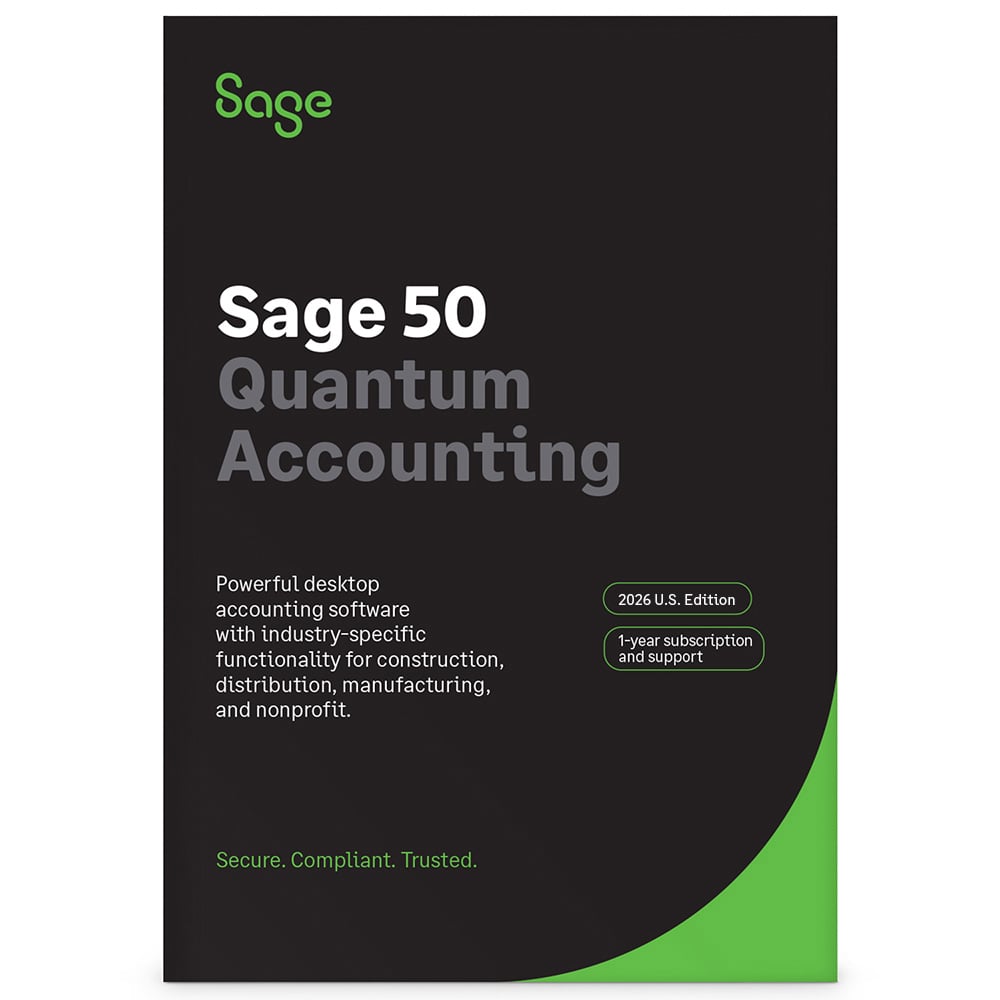
Sage 50 Quantum Desktop

Price:

Price range: $1,595.20 through $16,216.00

🗓️ This is an Annual Subscription Plan

If you are using a Sage 50 2019 or older, you will need a data conversion for each company.

Data Conversion

Optional Sage 50 Add-ons

Sage 50 Payroll Subscription

Please select number of employees.

Aatrix Payroll E-filing Subscription

Total: $1,595.20
QTM-0